

A number of my scripts leverage attributes found within an objects Active Directory record. I used to reach to either decl or Apache Directory Studio as per this article on JAMFNation in order to view this information when investigating my scripts.
However, since 10.7 (I think), I have more often found myself using Directory Utility to perform this task. the below is a quick run through on how to use it for this task.
You’ll need to run the below on a Mac bound to an AD Domain. Directory Access needs the then be launched either via the Accounts prefpane in System Preferences or the app bundle in /System/Library/CoreServices/.
Once opened, click “Directory Editor”
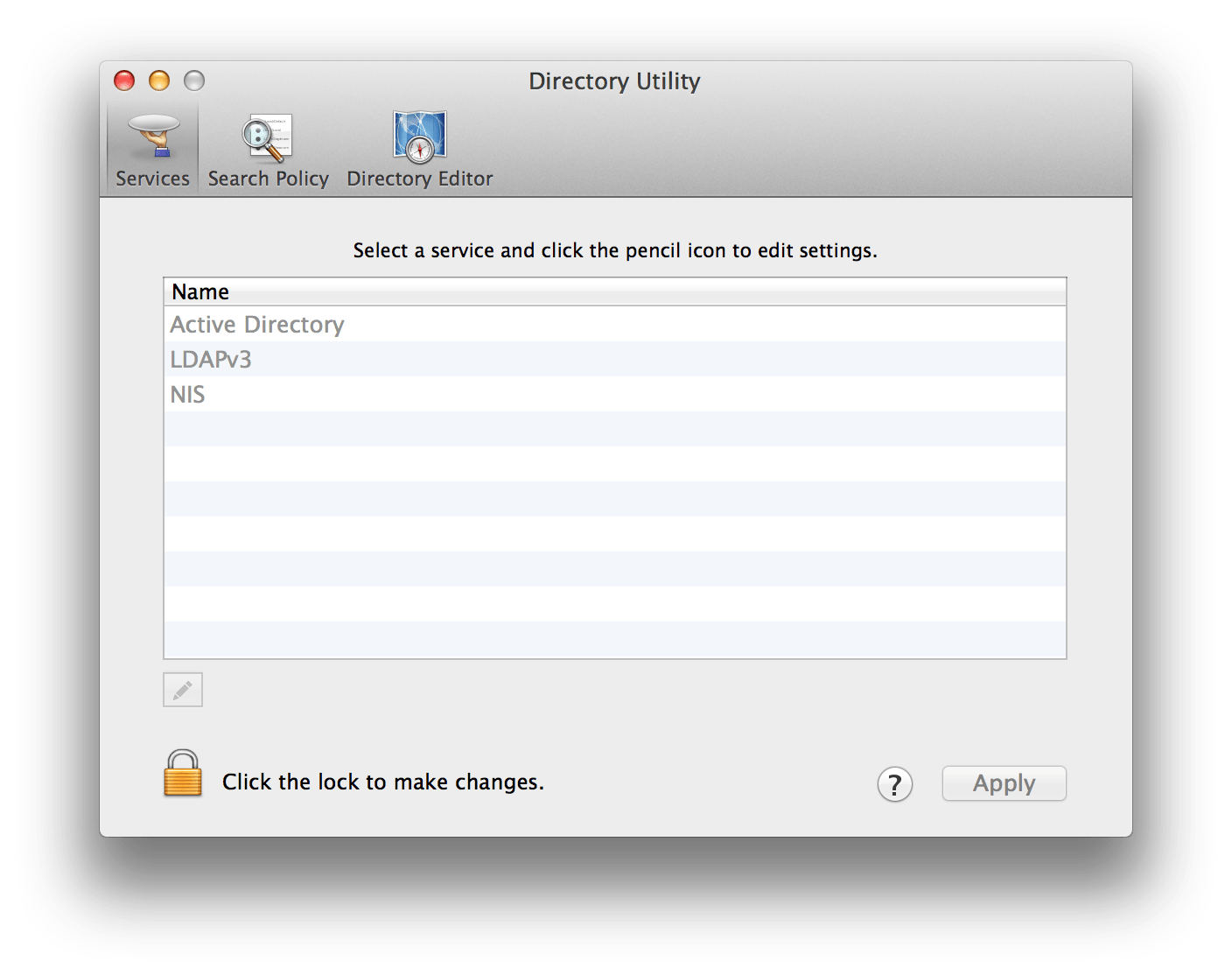
Once opened, change the node drop down to your AD Domain.

In the search field, you will be able to enter an objects details & then search for it on the domain. Once you find the object you have been searching for select it. You will now be able to see the objects attributes.

Once you’ve found the attribute you are looking for, selecting it will show it’s value in the lower pane.
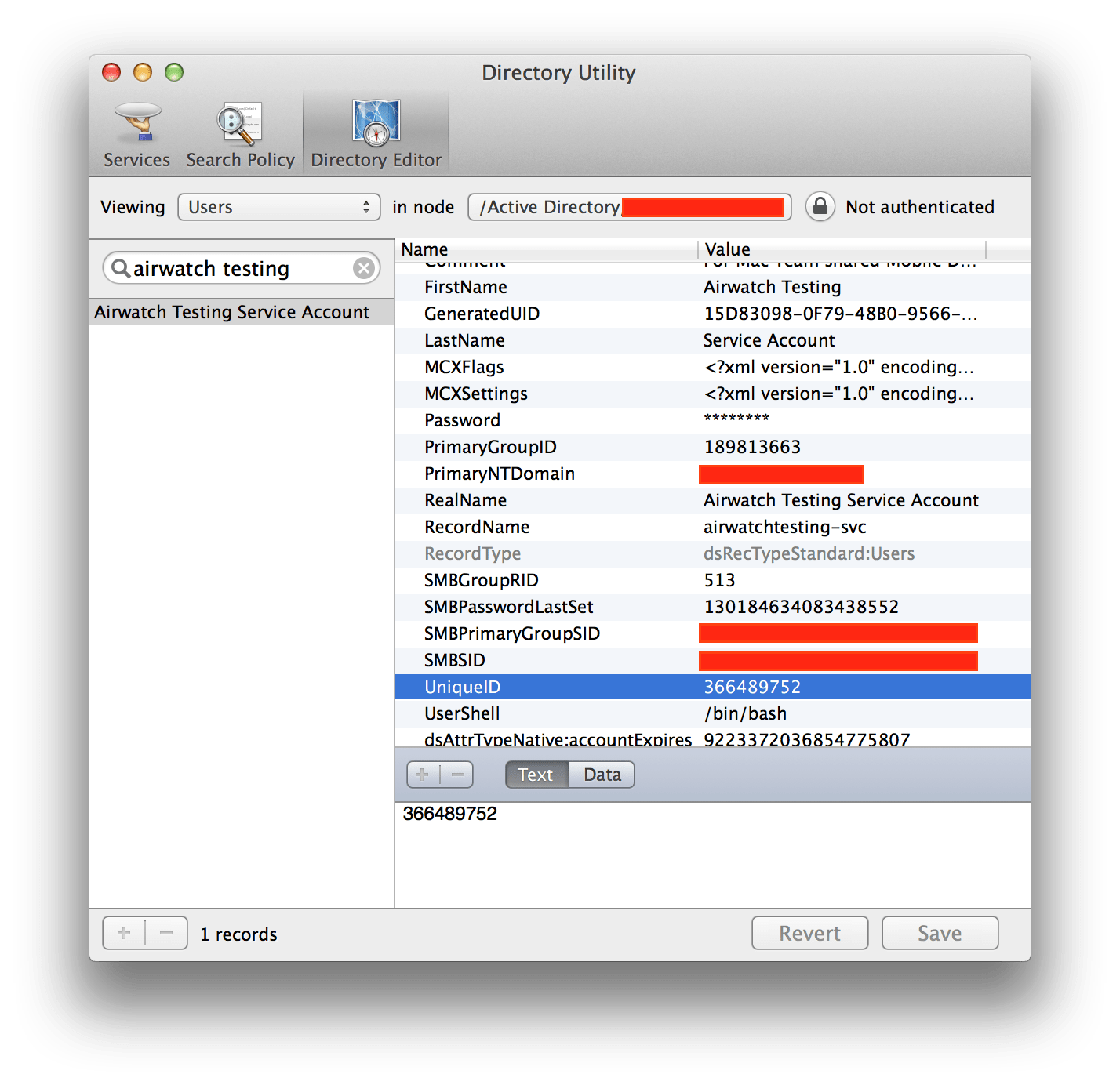
Above I have selected the UniqueID attribute of an AD User object, to get this attribute via dscl you can try something like that below.
Replace “Domain Node Name” with the node name in the node drop down, & username with the username of the user you would like to test with.
dscl '<Domain Node Name>' -read /Users/<username> | grep "UniqueID:"